
Crawl an entire website
Overview
Firecrawl's /crawl endpoint discovers every reachable page on a domain, renders it in a real Chromium browser (so JavaScript-heavy sites resolve correctly), and returns each page as clean markdown or JSON. This is the tool to reach for when you need context from a whole site, such as a documentation set or blog, rather than scraping individual URLs one at a time. Running a crawl from the dashboard is the fastest way to test scope and output format before wiring the same request into application code via the API or SDK.
Before you begin
- A Firecrawl account with dashboard access at www.firecrawl.dev
- A Firecrawl API key if you plan to move from the dashboard test into API or SDK usage (generate one at https://www.firecrawl.dev/app/api-keys)
- The base URL of the website you intend to crawl (for example, https://example.com)
Watch the recording
Step by step
Open www.firecrawl.dev in your browser to access the Firecrawl dashboard where you can configure and run a crawl.
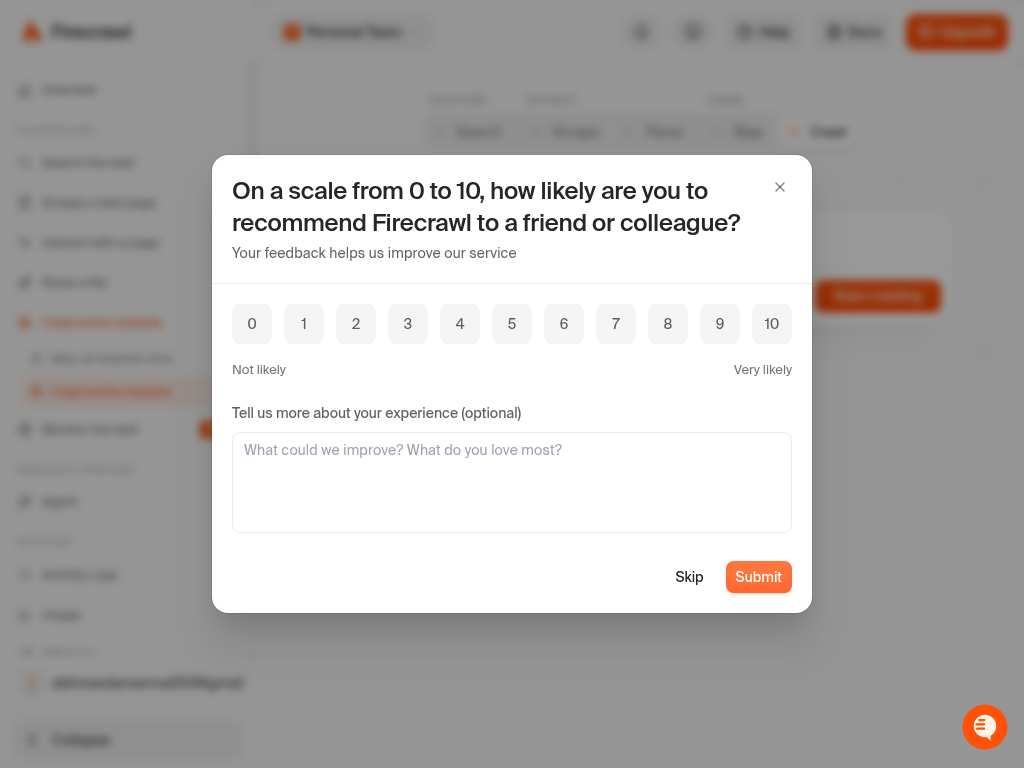
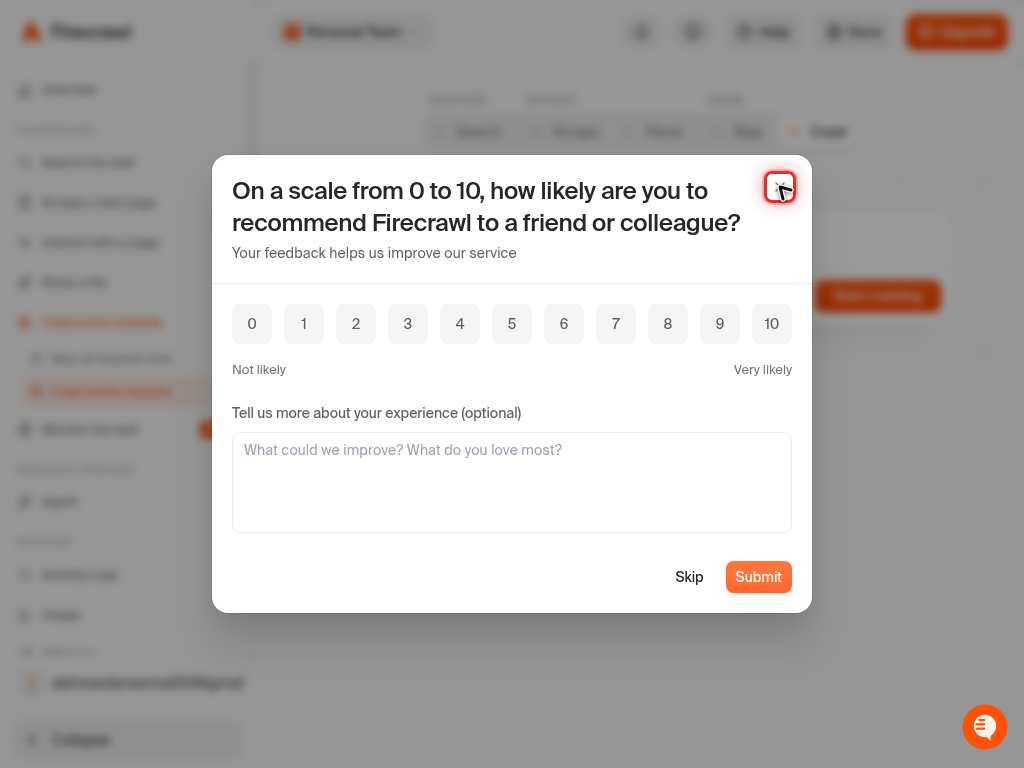
Click into the URL input field on the crawl form to prepare it for entering the target website's address.
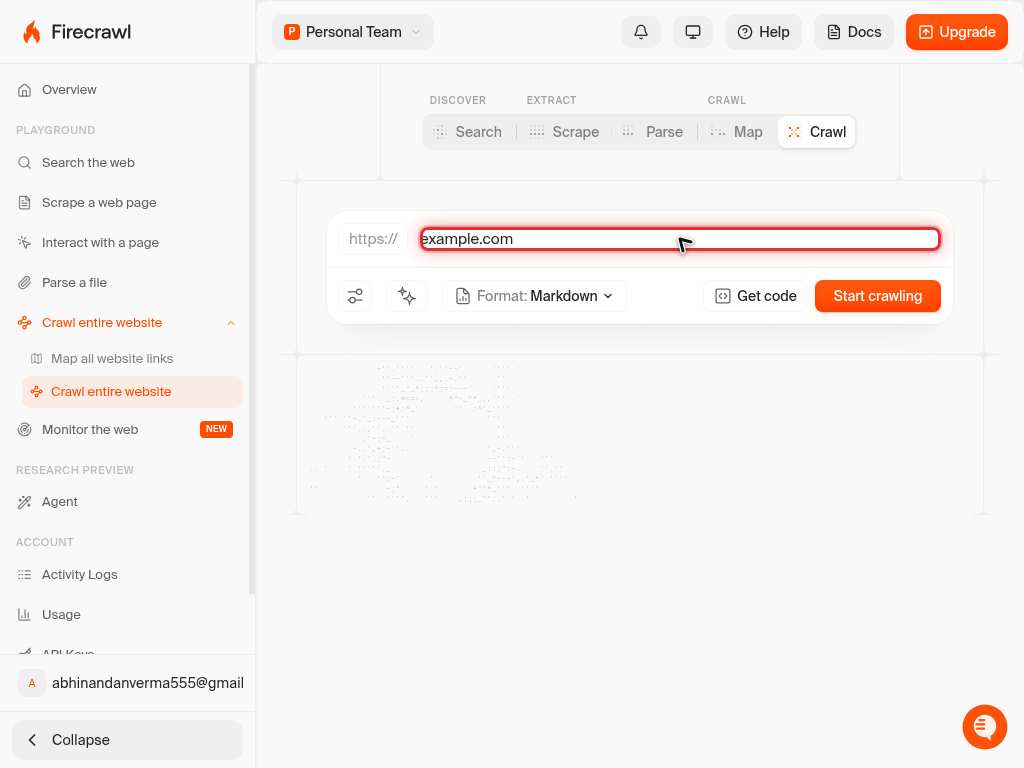
Type the base URL of the site you want to crawl, https://example.com, into the input field. This URL becomes the root from which Firecrawl discovers all subpages.
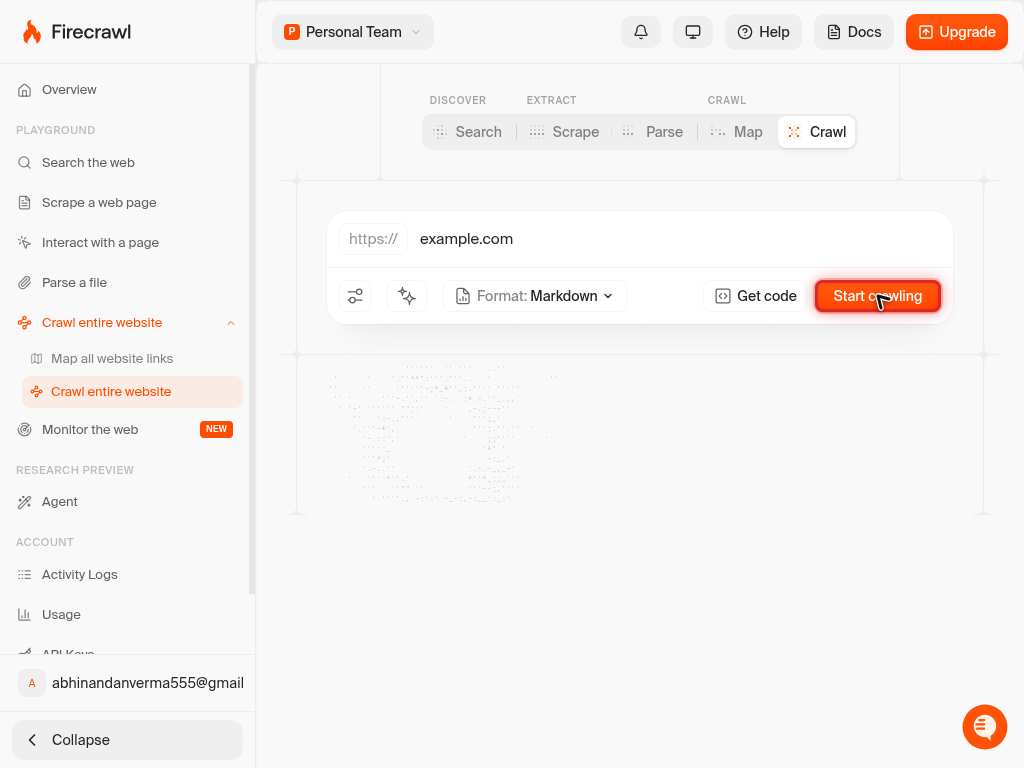
Click the button to start the crawl. Firecrawl will discover pages via the sitemap and HTML links, render each one in a real Chromium browser, and return the content as structured markdown or JSON.
Confirm it worked
- 1The crawl job starts and the dashboard shows pages being discovered and scraped in real time
- 2Each discovered page appears in the results as clean markdown or JSON, matching the requested output format
- 3The number of returned pages is greater than 0; if it returns 0 pages, scope settings such as includePaths or sitemap mode are likely misconfigured
Common issues
Keep reading
> Recursively crawl a website and get content from every page ... Crawl submits a URL to Firecrawl and recursively discovers and scrapes every reachable subpage. It handles sitemaps, JavaScript rendering, and rate limits automatically, returning clean markdown or structured data for each page. ... crawl` method ... for the crawl to complete ... response. It ... links that are not children of ... -parent/ ... crawled `website.com/blogs/ ... EntireDomain` ... To crawl subdomains like `blog.website.com` when crawling `website.com ... **Sitemap discovery**: By default, the crawler includes the website's sitemap to discover URLs (`sitemap: "include"`). If you set `sitemap: "skip"`, only pages reachable through HTML links from the root URL are found. Assets like PDFs or deeply nested pages listed in the sitemap but not directly linked from HTML will be missed. For maximum coverage, keep the default setting.
docs.firecrawl.devWeb Crawling API to Turn Whole Sites into LLM-Ready Data | Firecrawl
Web Crawling API to Turn Whole Sites into LLM-Ready Data | Firecrawl ... # Web Crawling API - Part of the Firecrawl context API ... ## One URL.Every page. ... /crawl discovers and scrapes every subpage on a domain, returning entire sites as context your models can use — clean markdown or JSON. ... ## Crawling that finishesthe whole job. ... Crawl handles an entire site end to end: discovering, rendering, and processing every page into structured data at scale. ... Turn a website or docs into a complete corpus your chatbot or RAG can answer from. ... ### Clean output, every page. ... Every page comes back as clean markdown, JSON, or whatever format you need. ... ### JavaScript on every page ... Every page renders in real Chromium, so JavaScript sites come back whole. ... Crawl exactly what you need ... ### Scope controls when you want them. ... Path regex, depth limits, and subdomain rules scope a crawl to /docs/* or the whole domain. ... Can I crawl only part of a site?
firecrawl.dev