
Scrape a web page
Overview
Firecrawl is a context API that scrapes, searches, and interacts with the web at scale, converting messy HTML into clean markdown or structured data that large language models can consume directly. Before wiring the /scrape endpoint into an application, it's useful to confirm what output a given URL produces, especially for JavaScript-heavy, gated, or region-specific sites where rendering behavior can vary. The Scrape playground on www.firecrawl.dev lets you test this interactively: enter any URL, run the scrape, and inspect the resulting markdown or structured data on the spot.
Before you begin
- A web browser with access to www.firecrawl.dev
- A Firecrawl account (sign in via the dashboard) if the playground requires authentication to run a live scrape request; you can create one free at https://www.firecrawl.dev/app/api-keys
- The target URL you want to scrape (this example uses https://www.firecrawl.dev)
Watch the recording
Step by step
Open www.firecrawl.dev in your browser to access the Firecrawl homepage, where the Scrape playground is available for testing the /scrape endpoint interactively.
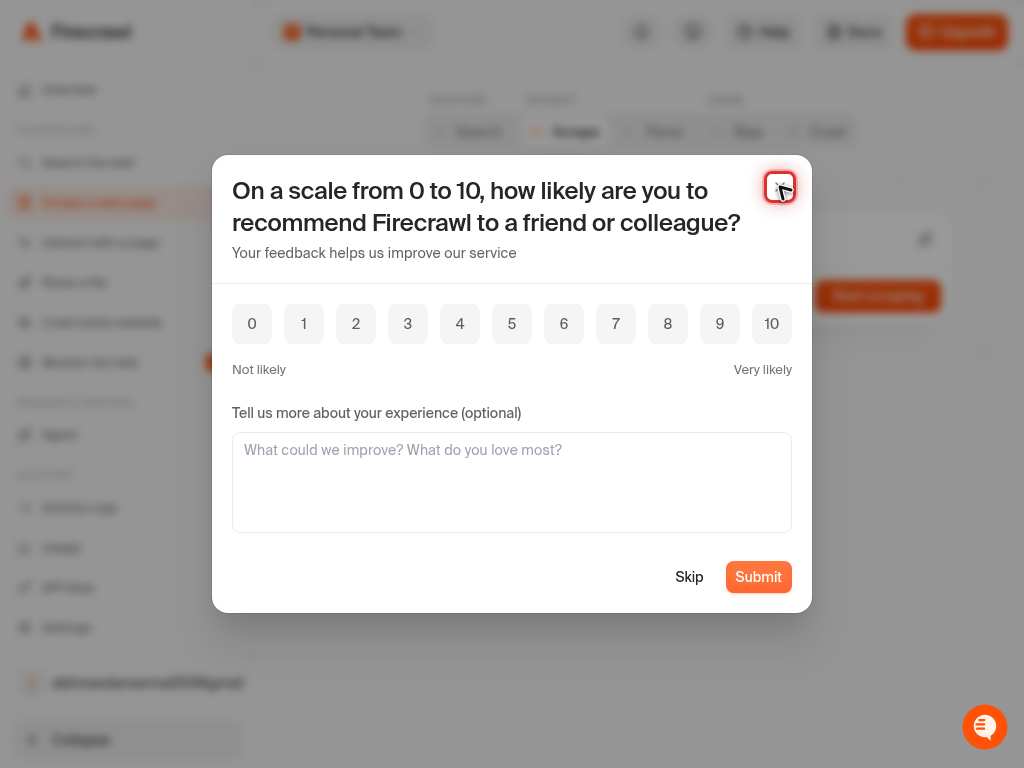
Click into the URL input field of the Scrape playground to prepare it for entering the target web address.
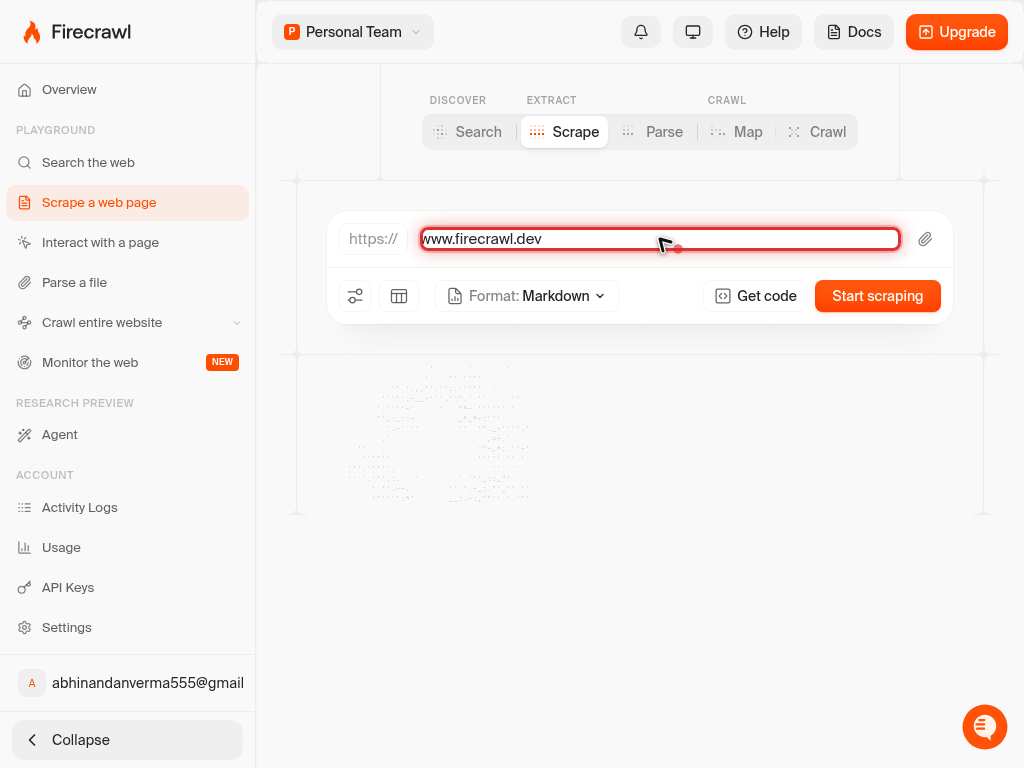
Type the target URL, https://www.firecrawl.dev, into the input field. This is the page Firecrawl will fetch and convert to clean markdown.
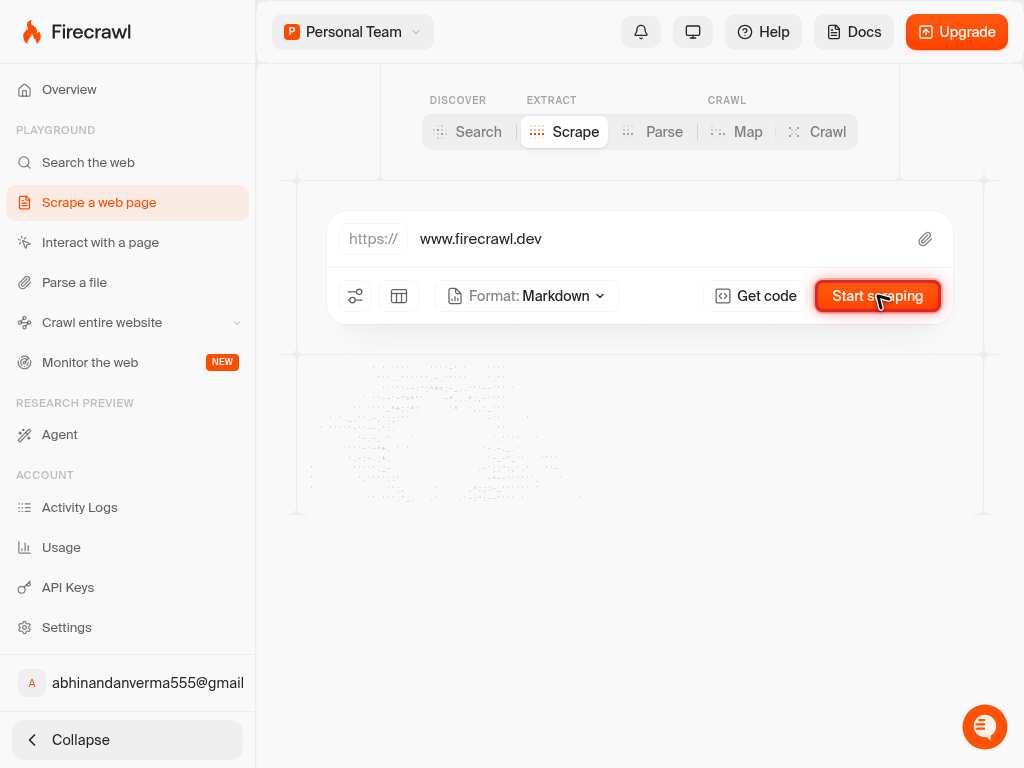
Click the submit (Scrape) button to send the request to the /scrape endpoint and generate the clean markdown output for the entered URL.
Confirm it worked
- 1The playground displays a response panel showing clean markdown (or structured data) generated from the submitted URL
- 2No error message or non-2xx status is shown in the response panel
- 3The returned content visually corresponds to the text and structure of the page at the submitted URL
Common issues
Keep reading
Web Scraping API. Any URL to Clean Markdown | Firecrawl
Web Scraping API. Any URL to Clean Markdown | Firecrawl ... # Web Scraping API - Part of the Firecrawl context API ## Clean markdownfrom any URL. Turn any URL into clean markdown or structured data for AI agents. Works on the real web: JS-heavy, gated, and region-specific sites. ... Try Scrape now Read the docs ... Jump ... content ``` ... npx -y firecrawl-cli@ ... `````` curl -s https://firecrawl.dev/agent-onboarding/SKILL.md
firecrawl.devUsed to scrape a URL and get its content. ... from firecrawl import Firecrawl firecrawl = Firecrawl( # No API key needed to get started — add one for higher rate limits: # api_key="fc-YOUR-API-KEY", ) # Scrape a website: doc = firecrawl.scrape("https://firecrawl.dev", formats=["markdown", "html"]) print(doc) ``` ... js Node theme={null} import { Firecrawl } from 'firecrawl'; const firecrawl = new Firecrawl({ // No API key needed to get started — add one for higher rate limits: // apiKey: "fc-YOUR-API-KEY", }); // Scrape a website: const doc = await firecrawl.scrape(' ... firecrawl.dev', { formats: ['markdown', ... firecrawl.dev", ... about the parameters, refer to the [API ... **PDFs and documents:** `/scrape` auto-detects PDFs, DOCX, and other document types from URLs. Pass a PDF URL the same way you would any webpage -- Firecrawl parses it and returns clean markdown. For local files that are not
docs.firecrawl.dev