
Run an AI agent to gather structured data
Overview
Firecrawl's Agent (`/agent`) endpoint lets you describe the data you want in plain English and get back structured, schema-validated results instead of raw HTML. Instead of writing custom parsing logic for each target site, you hand Agent a prompt like "Get all YC W24 companies" along with an optional Pydantic schema, and it locates the relevant pages, extracts the fields you asked for, and returns clean JSON. This matters for use cases like lead generation and dataset curation, where the data you need is scattered across many pages or hidden behind inconsistent page structures. The homepage demo lets you see this behavior firsthand before wiring it into your own application via the API, SDK, or an MCP (Model Context Protocol) integration.
Before you begin
- A Firecrawl account with a valid API key (obtained from https://www.firecrawl.dev/app/api-keys) if you plan to run Agent outside the browser demo
- Python 3.8+ installed locally if you intend to follow the SDK examples shown on the page
- The `firecrawl-py` package installed via `pip install firecrawl-py` for local testing of Agent calls
- A general idea of the data you want to extract and, optionally, a target schema (e.g. a Pydantic model) to structure the output
Watch the recording
Step by step
Open a browser and navigate to www.firecrawl.dev to access the homepage, where the Agent feature and its interactive demo are showcased.
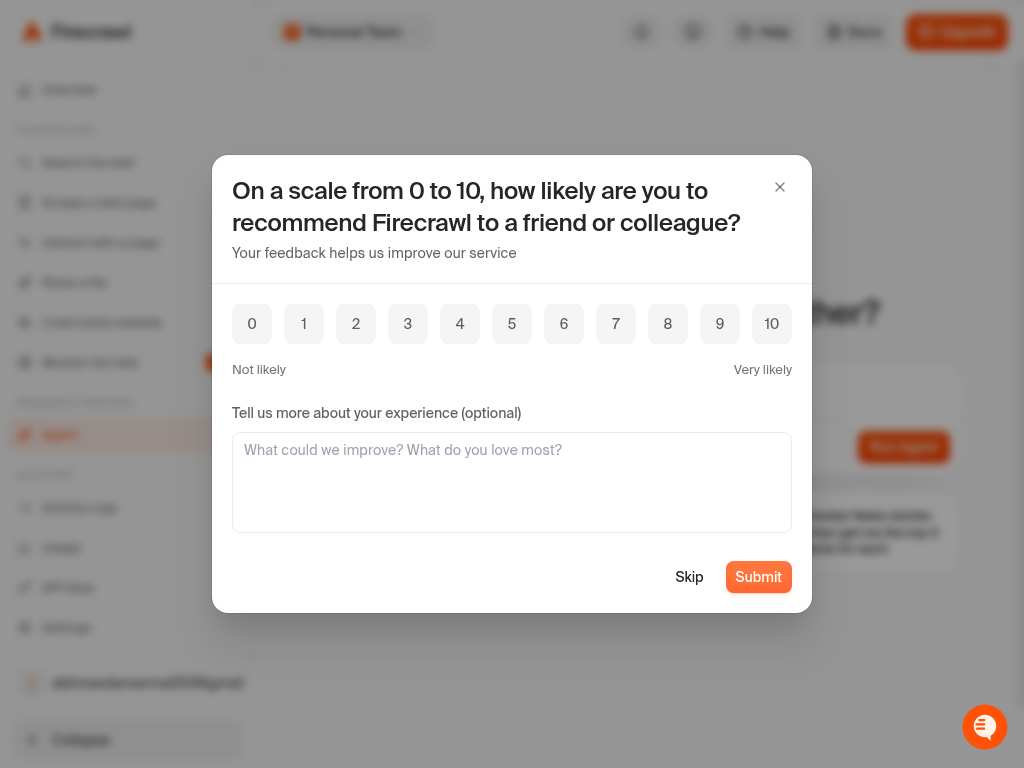
Click into the Agent section of the homepage to bring the interactive prompt-to-data demo into focus.
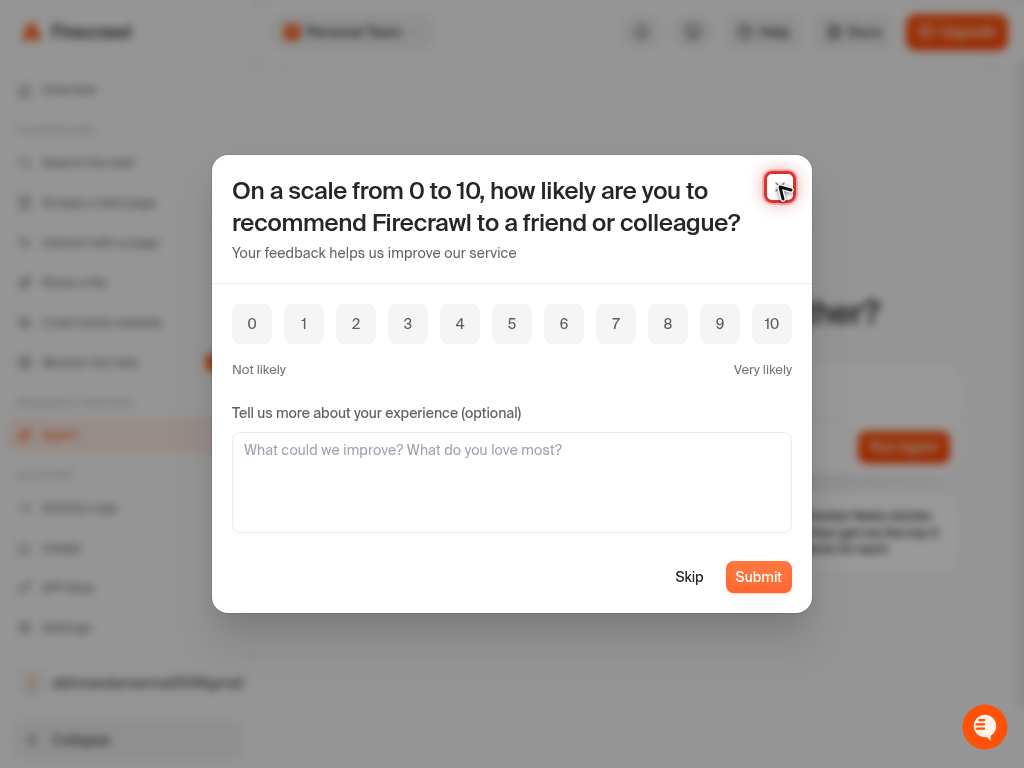
Click on the example prompt input field to select it, preparing to review or edit the natural-language instruction Agent will run.
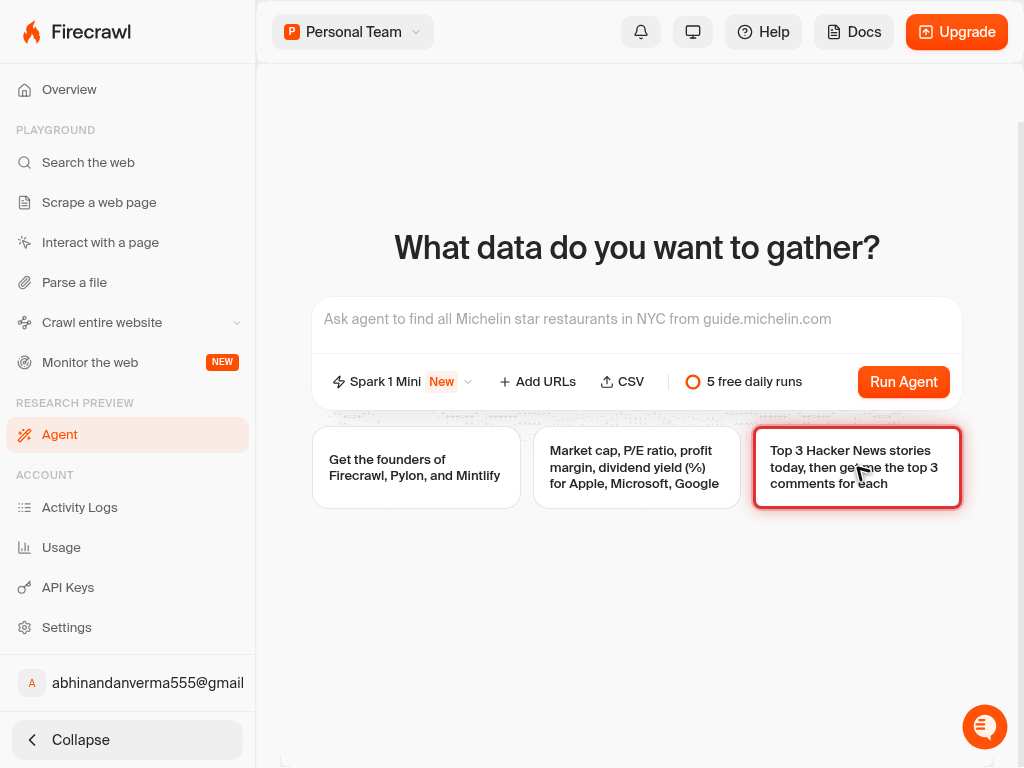
Press Home to move the cursor to the beginning of the prompt text, so you can review the instruction from the start.
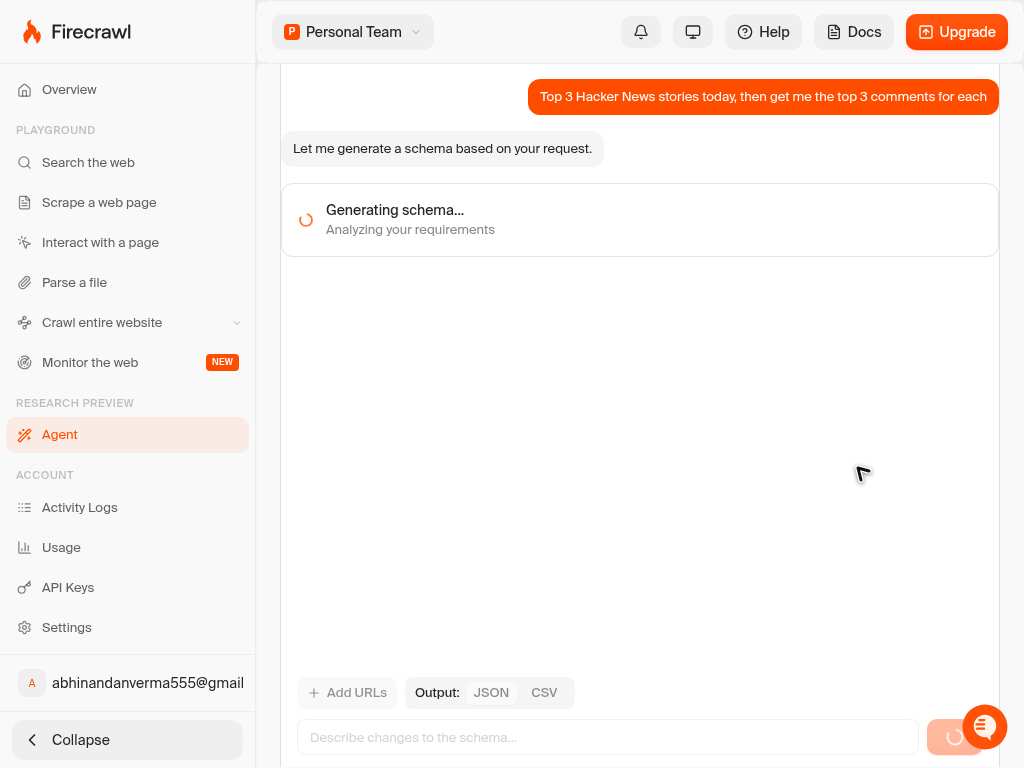
Press End to jump the cursor to the end of the prompt text, confirming you can see the full instruction Agent will process.
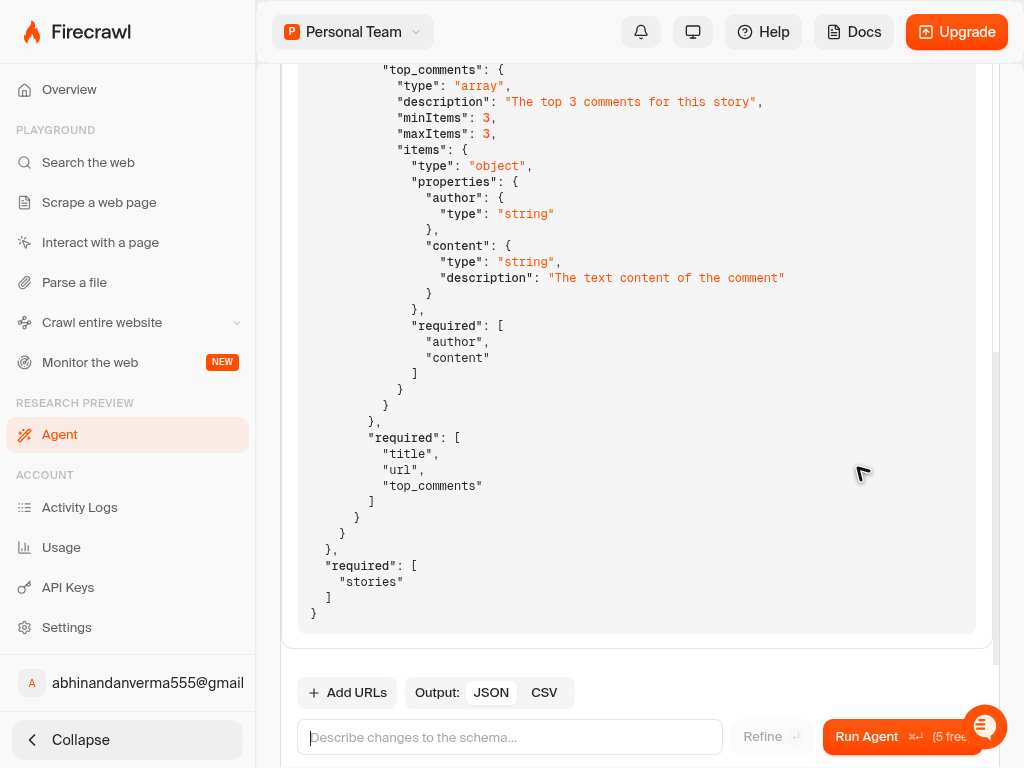
Click on the code example panel to switch focus to the SDK snippet showing how the same Agent call is made programmatically.
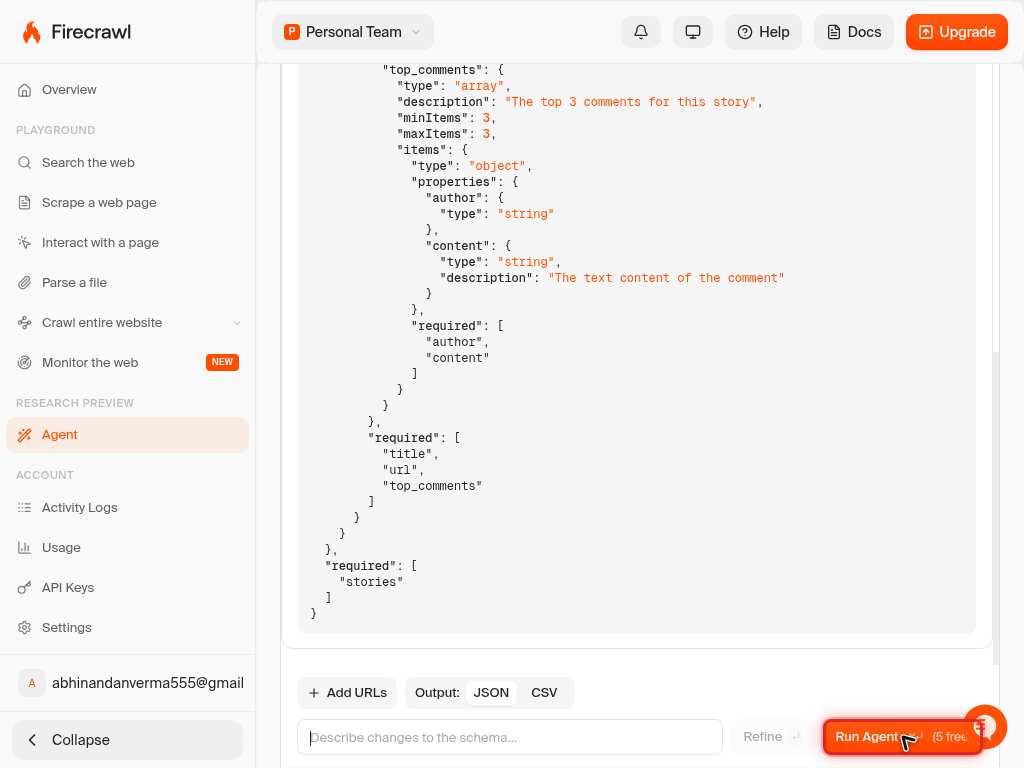
Click on a different tab or element within the code panel to compare how the schema (`ExtractSchema`) and prompt are structured in the SDK call.
Press End to scroll to the bottom of the code snippet, confirming you can see the complete `app.agent()` call including the schema definition.
Press Home to return to the top of the code snippet, resetting your view before running the example.
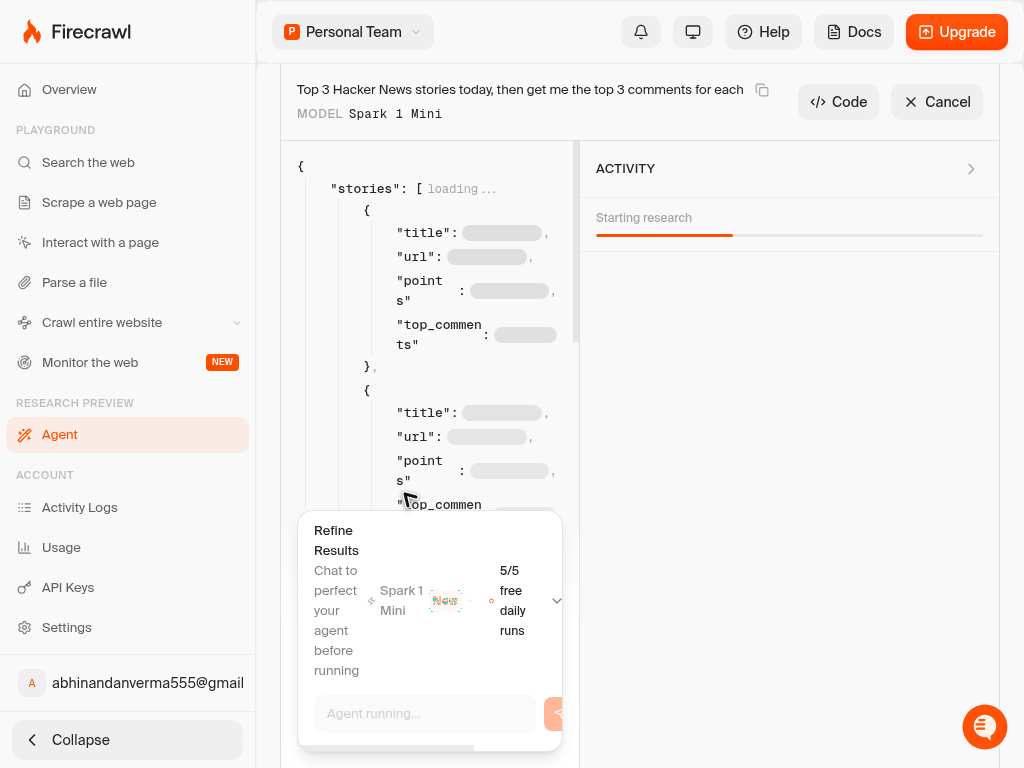
Press End again to re-confirm the full extent of the code example before proceeding to execute it.
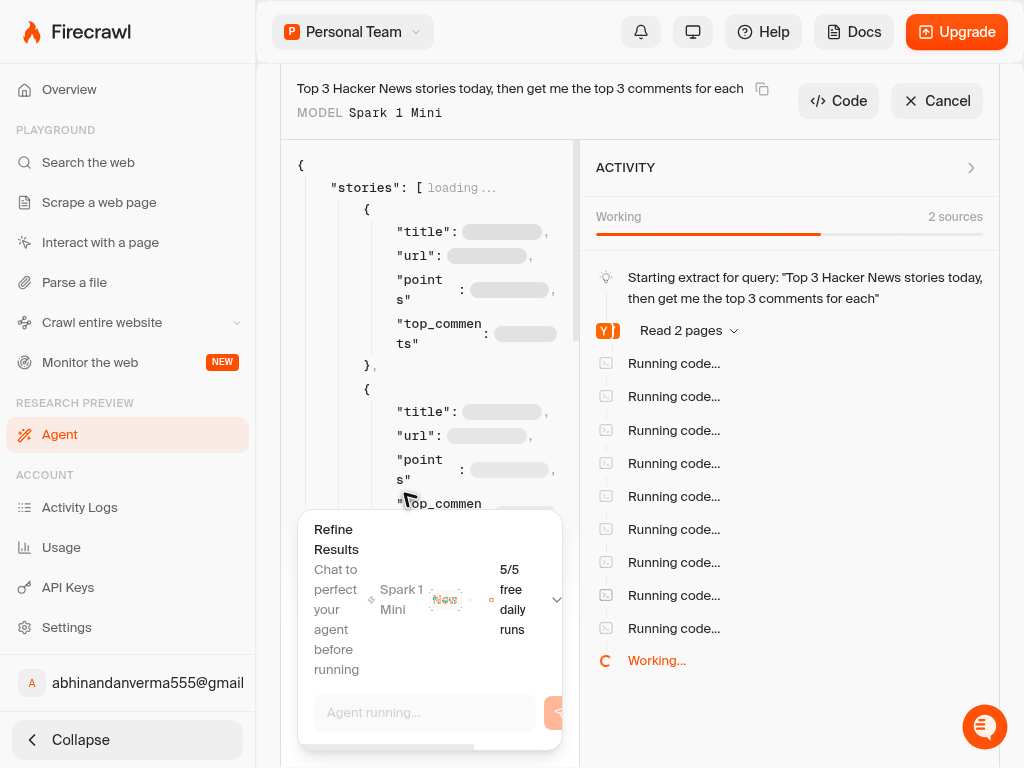
Press Home once more to reposition at the top of the snippet, ready to trigger the demo run.
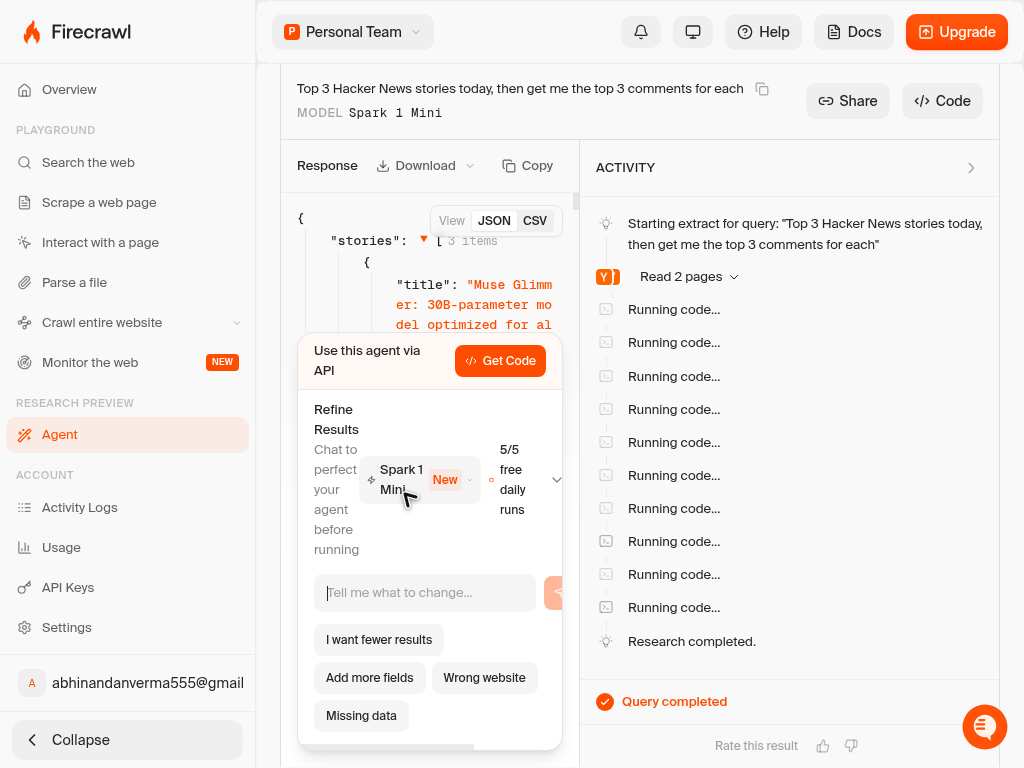
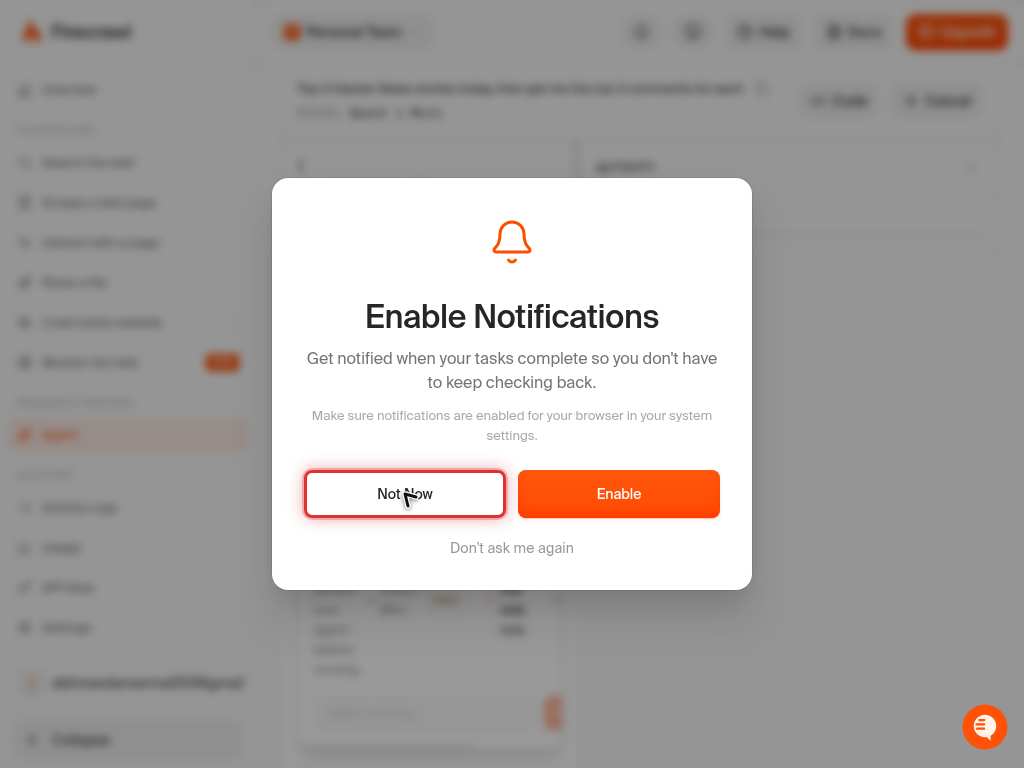
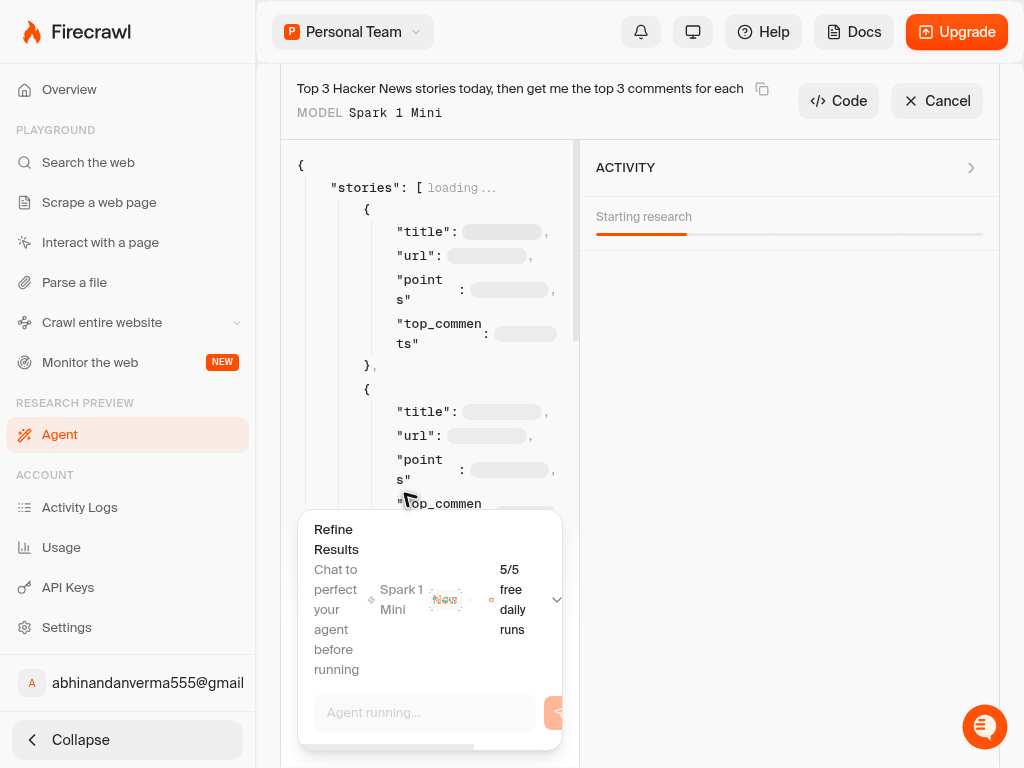
Click the run or submit control on the demo to send the prompt to Firecrawl's Agent endpoint and begin the extraction task.
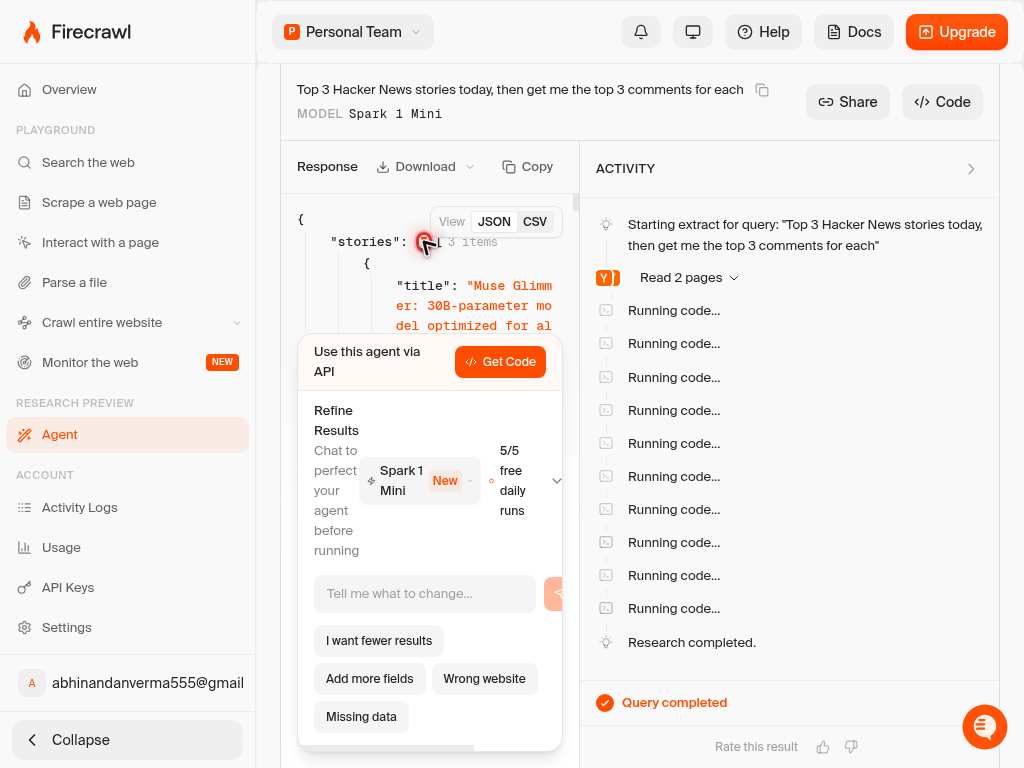
Click on the results panel to expand and inspect the structured JSON output Agent returns, such as the `companies` array with extracted fields.
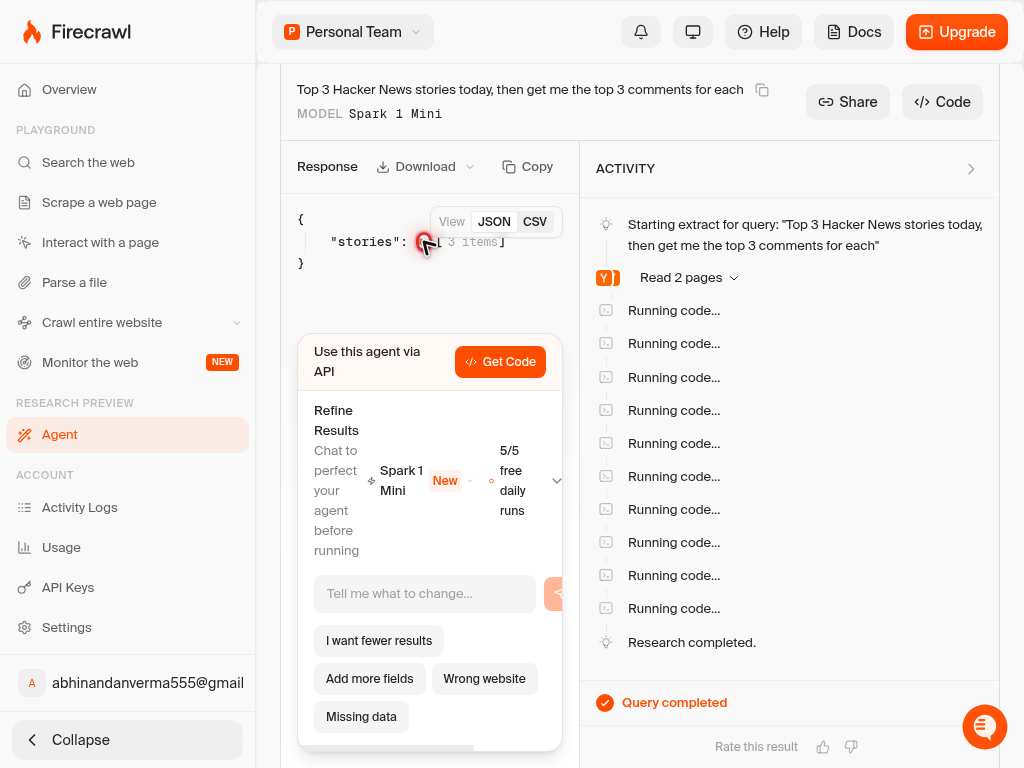
Press Page Down to scroll further into the results panel, viewing additional records in the returned dataset (e.g. entries for Pylon, Mintlify, and other companies).
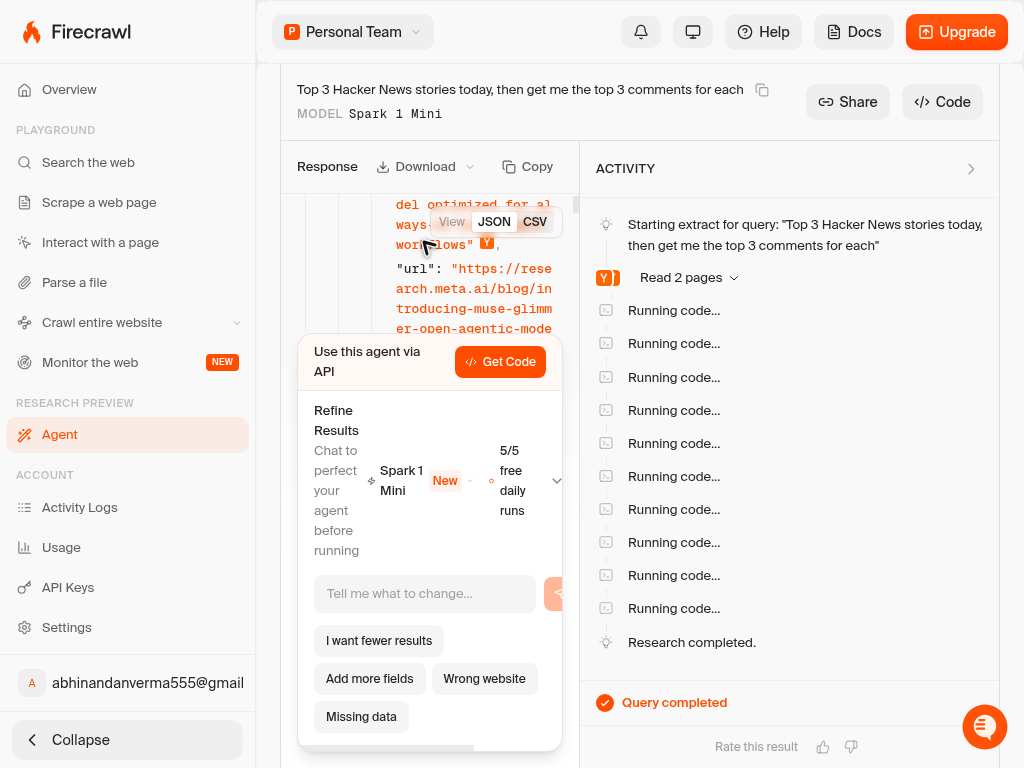
Click the "Read the docs" link to move from the demo into the full Agent API documentation for details on integrating this call into your own application via API, SDK, or MCP.
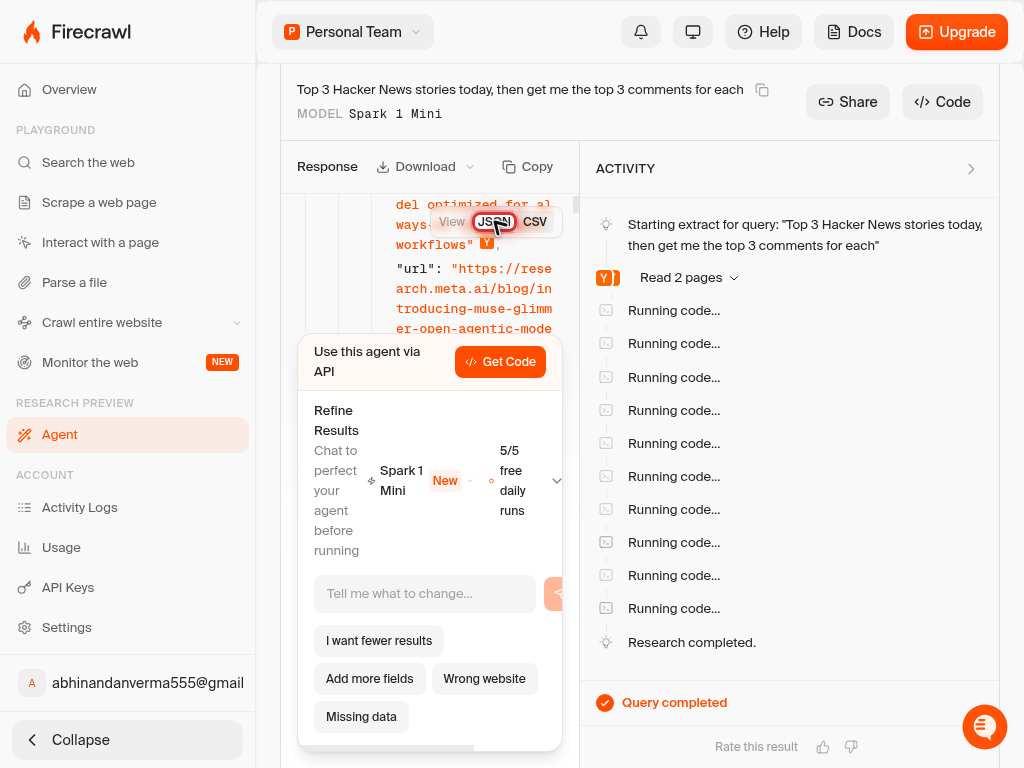
Confirm it worked
- 1The Agent demo on the homepage returns a structured JSON response (for example, a `companies` array with fields like `name`, `founders`, `funding`, `website`, and `category`)
- 2Code examples and prompt text render fully when scrolled to both the top and bottom, confirming the interactive demo loaded correctly
- 3Switching between code tabs (if present) shows consistent example values, confirming the SDK snippet matches the schema used in the live demo
- 4If integrating via the API, a successful call to `/agent` returns a 200 response with `"Agent task started successfully"` and eventually structured data matching your schema
Common issues
Keep reading
Agent - Gather Data Wherever It Lives on the Web | Firecrawl
Describe what data you want to extract and /agent handles the rest. Read the docs → ... ## From prompt to data ... Whether you need one data point or entire datasets at scale. Firecrawl Agent just works. ... From lead generation to dataset curation, Agent finds data in hard to reach places. ... ## Start using /agent today ... Agent is available in the API, SDKs and MCPs for easy integration. ... (BaseModel): name: str founders: List[str] ... Optional[str ... website: str ... class ExtractSchema(BaseModel): companies: List[Company] ... result = app.agent( prompt ="Get all YC W24 companies", schema =ExtractSchema ) ... { ... companies": [ { ... "name": "Firecrawl", ... "founders ... C.", "Nicolas C.", "Caleb P."], ... Developer Tools" ... https://usepylon.com", ... " }, ... "founders ... ["Han Wang ... "Hahnbee Lee
firecrawl.devChoosing the Data Extractor | Firecrawl
The `/agent` endpoint is Firecrawl's most advanced offering—the successor to `/extract`. It uses AI agents to autonomously search, navigate, and gather data from across the web. ... * **URLs Optional**: Just describe what you need via `prompt`; URLs are completely optional * **Autonomous Navigation**: The agent searches and navigates deep into sites to find your data * **Deep Web Search**: Autonomously discovers information across multiple domains and pages * **Parallel Processing**: Processes multiple sources simultaneously for faster results * **Models Available**: `spark-1-mini` (default, 60% cheaper) and `spark-1-pro` (higher accuracy) ... data from a single ... using an LLM to parse the ... content into your specified ... at a time ... **Exact URL ... Schema Optional**: Can use ... schema OR just a prompt (LLM chooses structure) ... Synchronous**: Returns data immediately (no ... polling needed) ... with markdown, HTML, screenshots ... * **YES**
docs.firecrawl.dev